Operate from familiar devices
A compatible browser, microphone and speaker or headset are your starting point. Android users can install the web app for a dedicated home-screen entry.
Amateur radio · Connected voice
Bring your callsign to a network built for conversation. Listen and talk from your phone or computer, with AllStar connections and a configured shared DMR bridge in one familiar interface.
Licensed operators • Administrator approval • Shared access without your own AllStar node
Less setup. More conversation.
You do not need to own an AllStar node to join the shared network. Register with your callsign and app password, wait for approval, then connect through the assigned shared room.
A compatible browser, microphone and speaker or headset are your starting point. Android users can install the web app for a dedicated home-screen entry.
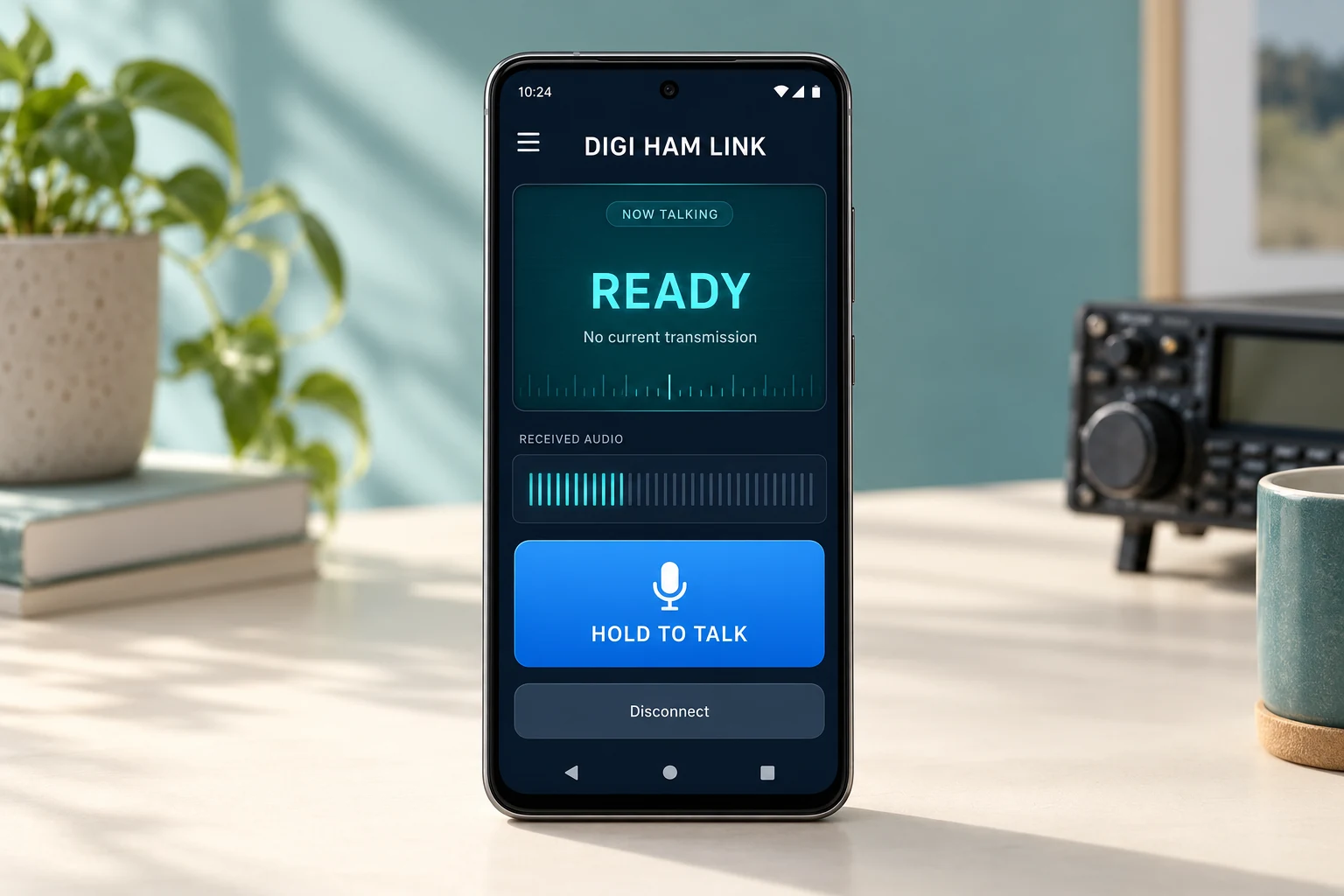
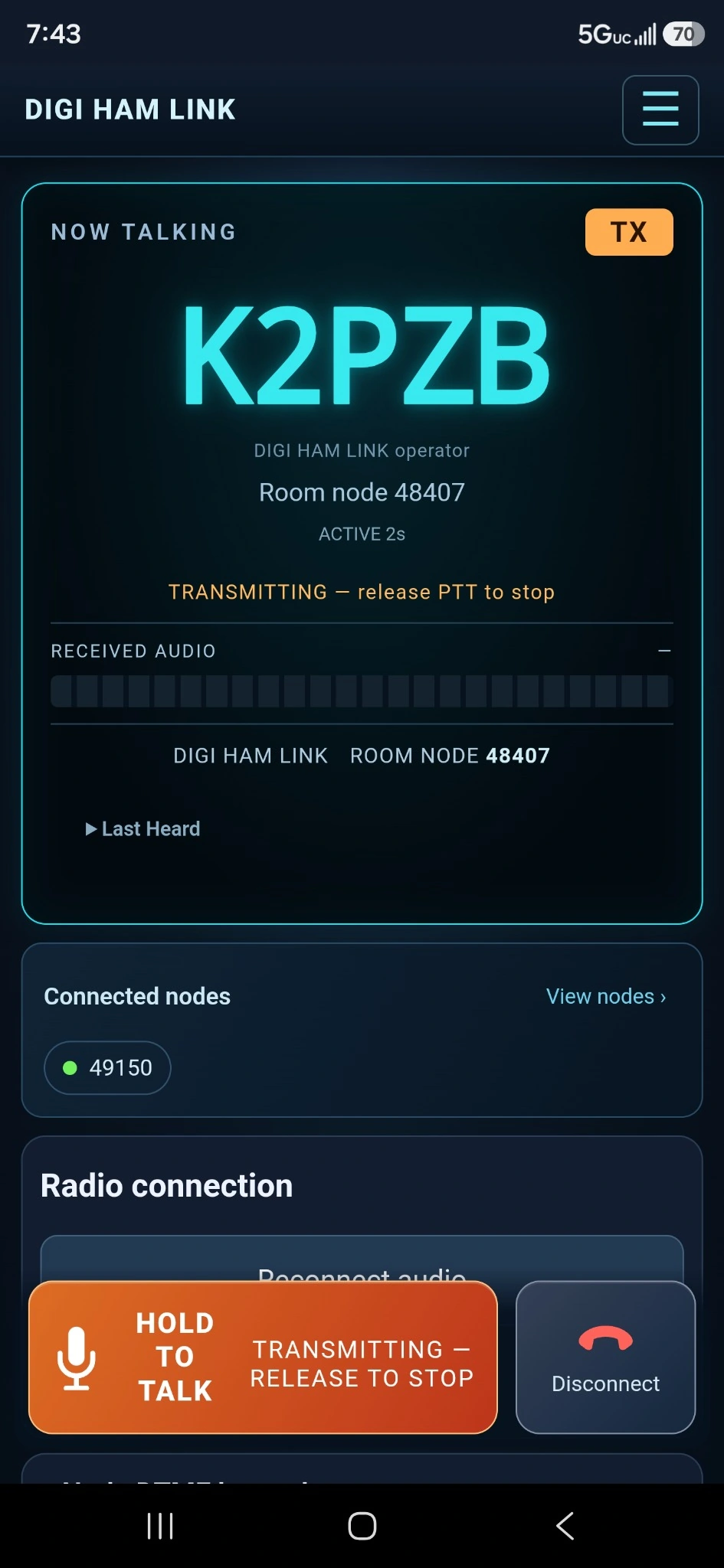
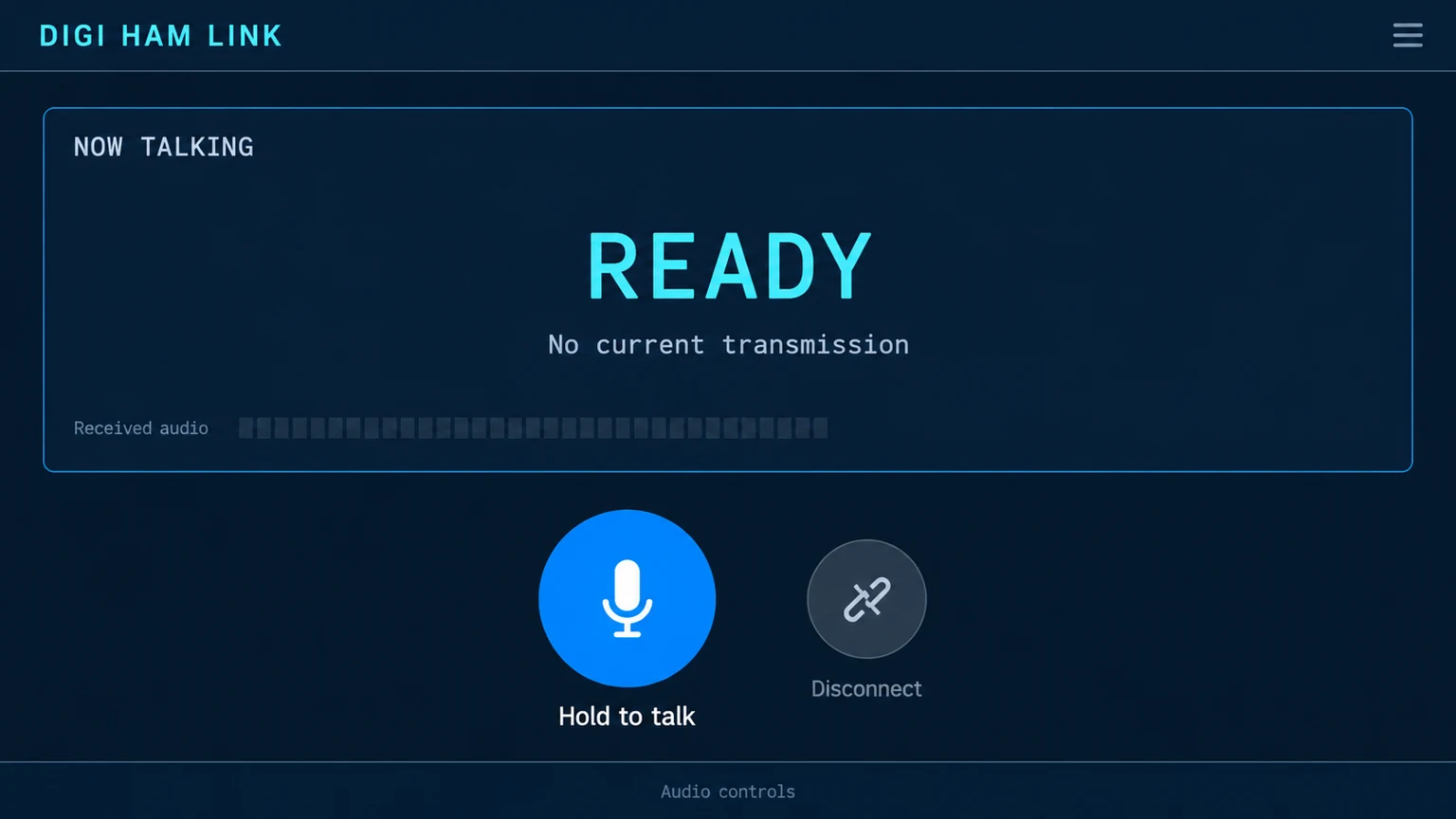
The VFO-inspired Now Talking display and hold-to-talk control keep radio operation prominent. Microphone gain and audio tests are available in Settings.
Users in the same shared room hear one another and its linked systems. The owner manages shared links, while account permissions determine each user’s controls.
Meet the interface
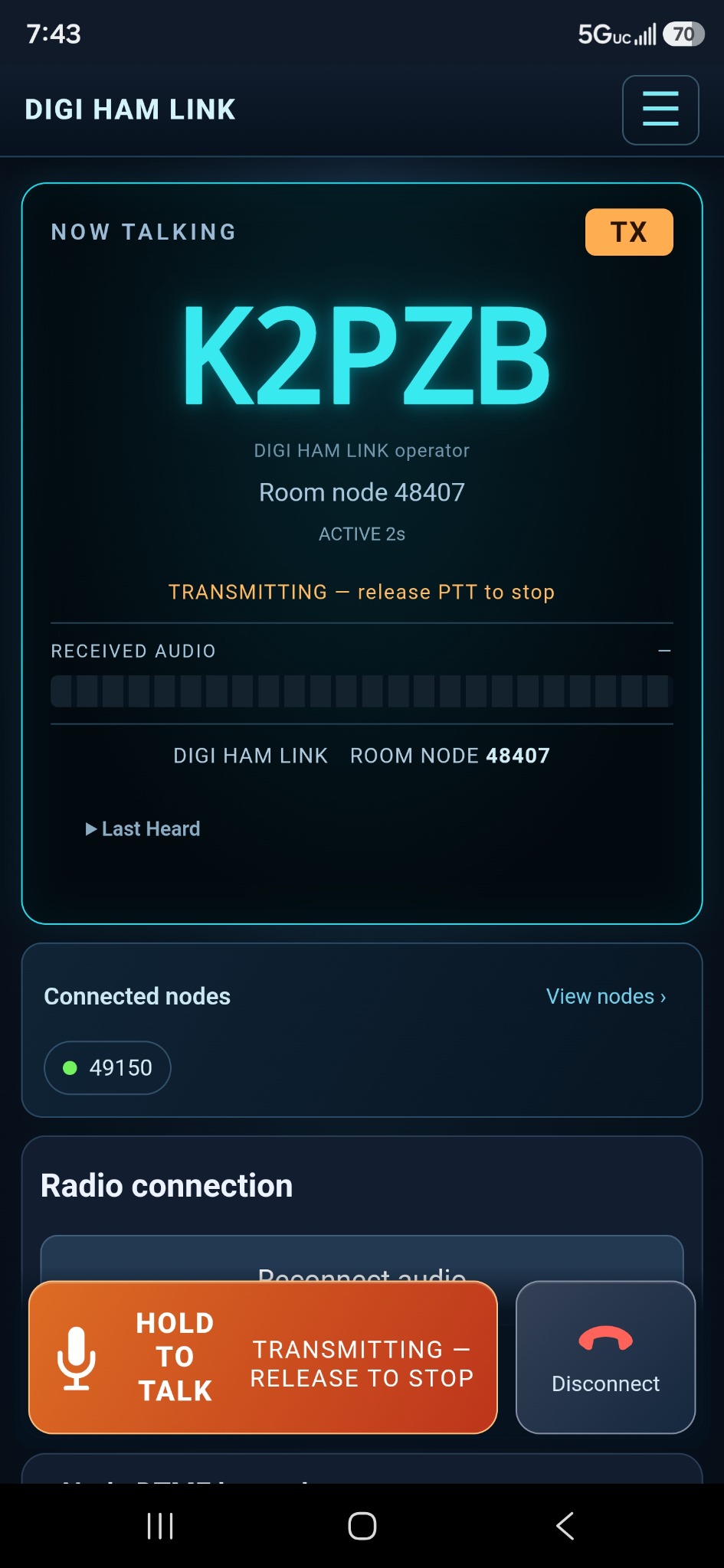
See reported callsigns prominently, listen for a clear channel, and hold PTT to speak. Release it to return to listening.
The application brings everyday controls together without requiring visitors to understand the bridge software behind them. Status indications report what the server observes; they do not verify a remote speaker’s identity.
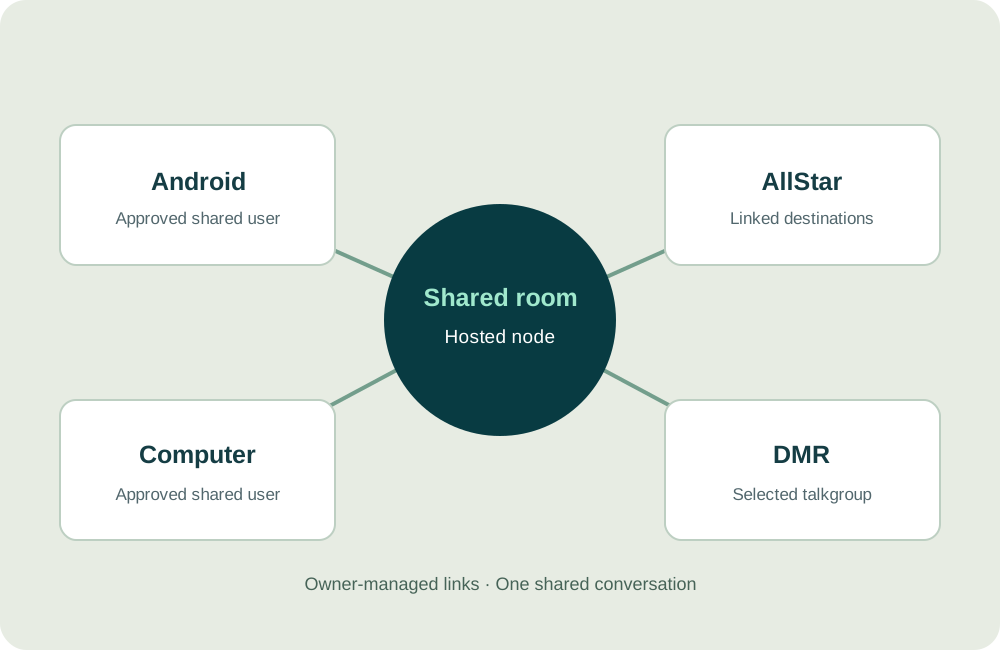
One room, linked systems
Your browser connects to your assigned node. The server connects that node to the systems configured for the room.
This is shared voice access, not a private bridge for every member. Additional modes such as YSF and EchoLink require separate configuration and are available only when enabled by the operator.
Your first contact
Enter your callsign, name, email and DIGI HAM LINK password. Choose shared access if you do not need your own hosted node.
The administrator reviews your request. The confirmation means it was received; it does not mean you can sign in yet.
After approval, sign in and follow the room connection status. Check your audio, listen for a pause, and hold to talk.
A community for licensed operators
Connect with other amateur radio enthusiasts through the systems linked to the shared room.
Use your callsign, leave room for other operators, and respect each linked network’s operating practices. The server can maintain its links while your phone or browser is closed; your own audio session still depends on your device and connection.
Start with your callsign
Request an account, wait for approval, and explore the systems linked to your assigned room. Shared access does not require your own AllStar node credentials.
For licensed amateur radio operators. Approval is required before you can sign in. Available controls depend on your account permissions and configured bridges.